
Partner Login
Enter your username and password here on order to log in on the partner portal:
No registered partner yet?
Register nowChoosing the best Fingerprint Scanner in 2026 starts with a practical question: where will it be used? A compact reader at a reception desk faces different demands from a scanner installed outdoors or shared by hundreds of employees. Consider daily user volume, installation conditions, and how the device connects to existing systems.
Biometric researcher Anil K. Jain has described the field this way: “Biometrics is the science of recognizing individuals based on their physical or behavioral traits.” That idea matters when comparing scanners. Look beyond advertised speed and check recognition performance, enrollment capacity, sensor durability, and compatibility with your software. Ask how the device handles damp fingers, worn fingerprints, and repeated attempts. Small details count.
Test it in real conditions.
A product sheet cannot reveal everything. Try the scanner with different users, lighting conditions, and workloads before making a decision. Review how templates are protected, what maintenance is required, and whether the supplier provides clear technical support. Also check accessibility: some people may have difficulty using fingerprint-based systems, so a suitable alternative can be important. A low-cost device may seem attractive, but replacement parts and integration work can change the total cost. And no scanner is perfect. Even a careful checklist has limits, especially when real users behave differently from test groups. The sections ahead explain how to compare these factors and choose a device that fits your needs—not just its headline specifications.
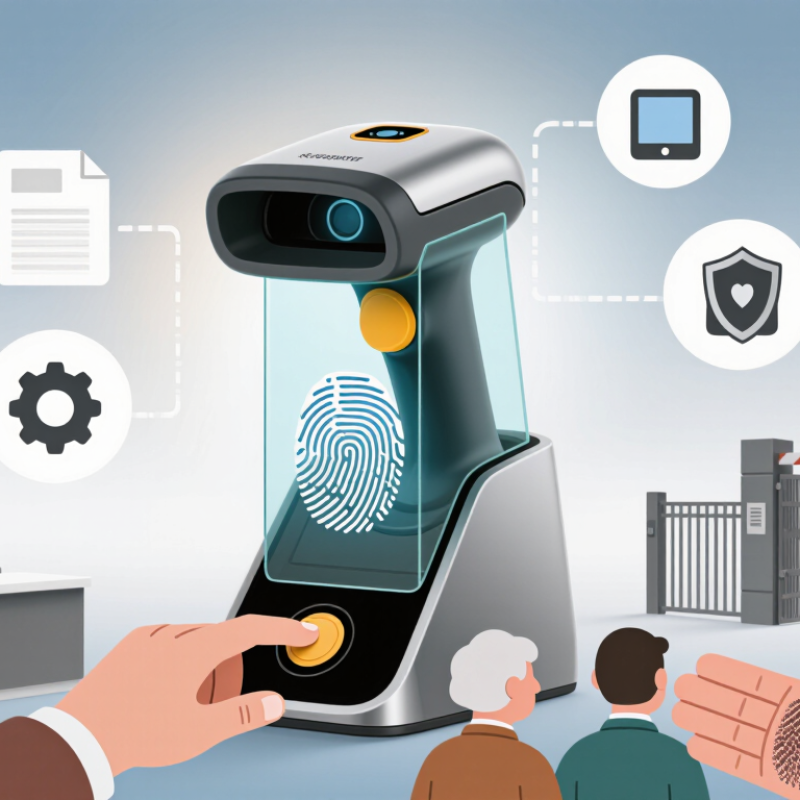
Fingerprint scanners turn the ridges and valleys of a fingertip into a digital pattern. Capacitive sensors measure tiny electrical differences; optical sensors capture an image; ultrasonic models map surface details with sound waves. During enrollment, the device records features and later compares a new scan with them. It usually stores a template, not a usable photograph, though storage practices vary. Small details matter. A damp finger, dusty sensor, or hurried touch can cause a failed match.
Scanners appear on phones, laptops, door-access systems, and time clocks. Each setting has different needs. A shared entrance may need fast matching and durable hardware, while a personal device may prioritize compact size and local data protection. Check the scanner’s stated accuracy, spoof-detection features, and fallback method. Also test it with clean, dry fingers in the lighting and conditions where it will be used. No scanner is perfect; false rejections can happen, and convenience should not replace a secure backup method.
Tips: Keep the sensor clean with a soft, dry cloth. Register more than one finger if supported, and follow the device’s setup guidance. Ask where templates are stored and who can access them. A quick demonstration helps, but it cannot reveal every weakness.
A fingerprint scanner should be selected against measurable targets, not a vague promise of “high accuracy.” Define acceptable false rejection rates, enrollment failure rates, and response times using your own users and workflows. NIST Special Publication 800-76-2 specifies 500 pixels per inch for fingerprint images used in its PIV framework. Treat that as a useful technical reference, not a universal guarantee: dry skin, worn fingerprints, cold hands, and poor placement can still affect capture quality. Test with real users. Real sites are messier.
Speed depends on the whole interaction, including capture, matching, and retries. Measure the time from touch to decision during busy periods, not just in a quiet demo. Then estimate peak daily users, simultaneous attempts, and future growth. A door serving 80 staff has different needs from a facility handling thousands of daily visitors. Ask vendors for documented results under comparable conditions, including false matches and failed enrollments; NIST’s fingerprint evaluations show why performance should be assessed across test conditions, not one headline score. Leave capacity headroom, but avoid paying for scale you will not use. One awkward point: your first user estimate may be wrong. Check it against actual traffic after launch.
Choosing a fingerprint scanner in 2026 starts with how it captures ridges. Optical scanners photograph a finger on a glass surface. They are simple and familiar, but dirt, scratches, or a lifted finger can weaken the image. Capacitive scanners measure electrical differences between ridges and valleys. They fit compact devices, though very dry skin or residue may affect capture. Ultrasonic scanners use reflected sound waves to map ridge detail. They can read beneath some surface moisture, but cost and integration may be higher. No method is flawless.
For a useful benchmark, the FBI’s Electronic Biometric Transmission Specification sets 500 pixels per inch for standard fingerprint image capture. Resolution alone does not guarantee a reliable match: placement, skin condition, and sensor quality matter too. NIST’s NFIQ 2.0 guidance scores fingerprint-image quality because poor captures can undermine matching. Ask vendors for independent test results, including failure-to-enroll rates and performance across different skin conditions. A sleek sensor can still frustrate users.
Tips: Test with dry and slightly damp fingers, then repeat after cleaning the sensor. Check capture speed, false rejects, and accessibility in your actual device setup. Compare results across several users, not just one careful tester. That extra testing takes time, and it may expose a trade-off you did not expect.
| Comparison Factor | Optical | Capacitive | Ultrasonic |
|---|---|---|---|
| How it captures a fingerprint | Uses light and an image sensor to photograph the ridge-and-valley pattern, typically when a finger touches a scanning surface. | Uses an array of tiny capacitors to measure differences in electrical capacitance between fingerprint ridges and valleys. | Sends and receives high-frequency sound waves to map the fingerprint surface from reflected signals. |
| Typical image characteristics | Produces a two-dimensional image. Image quality depends on illumination, sensor resolution, and the condition of the contact surface. | Produces a detailed two-dimensional pattern and detects physical contact through electrical measurements. | Can capture surface detail and, depending on the sensor design, information about the subsurface ridge structure. |
| Performance with dry fingers | Often works well, though very dry skin or poor contact can reduce the clarity of the captured image. | May have difficulty when dry skin makes electrical contact less consistent; performance varies by sensor design. | Can work well with dry fingers, but results still depend on contact quality and the particular implementation. |
| Performance with wet fingers | Water, smears, or moisture on the sensor surface can reduce image clarity. | Moisture can affect readings and may cause unreliable captures, depending on the amount of water and sensor design. | May tolerate some surface moisture better than optical capture, but wet-finger performance is not guaranteed. |
| Surface contamination | Dust, oil, or residue can obscure the image and may require cleaning. | Residue or moisture can interfere with contact and affect readings; a clean surface is still important. | Can be less dependent on optical clarity, but dirt or poor acoustic contact can still affect capture quality. |
| Installation options | Commonly used in standalone readers and access-control devices; requires an optical path and a suitable scanning surface. | Can be built into compact touch surfaces and embedded devices; requires close finger contact with the sensing area. | Can be integrated under certain display or cover materials, subject to the sensor’s acoustic and mechanical design. |
| Durability considerations | Image quality may be affected by scratches, dirt, or wear on the exposed scanning surface. | Durability depends on the protective surface and construction; the sensing elements are typically integrated beneath the contact area. | Durability depends on the transducer, bonding layers, cover material, and overall assembly. |
| Integration and cost considerations | Often a straightforward option for dedicated reader hardware, but needs space for illumination and image capture. | Can support compact designs; cost and power use vary with sensor size, resolution, and electronics. | May require more specialized components and acoustic integration, which can increase design complexity and cost. |
| Security considerations | Security depends on the complete system, including presentation-attack detection, matching software, and enrollment controls. | Electrical sensing alone does not guarantee spoof resistance; system-level liveness checks and secure matching matter. | Additional fingerprint information may support liveness analysis, but spoof resistance depends on the implementation and testing. |
| Best suited to | Cost-conscious access-control installations and applications where a dedicated reader and regular surface cleaning are practical. | Compact devices and touch-based interfaces where a small, integrated sensor is a priority. | Designs that need under-cover integration or may benefit from richer surface information, when the added integration effort is acceptable. |
Selection note: Real-world accuracy, speed, power use, and spoof resistance vary by product and operating conditions. Evaluate the complete scanner and matching system with representative users, environmental conditions, and presentation-attack tests.
Choosing a fingerprint scanner starts with compatibility, not the sensor’s headline speed. Check whether it works with your operating systems, devices, and enrollment software. Confirm driver support and how it handles shared workstations or offline use. A quick test on the actual desk can reveal awkward cable placement, glare, or slow reads with dry fingers. Test it in place. One overlooked detail can turn a promising device into daily friction.
Security depends on more than accurate matching. Ask how the scanner detects false fingers, protects biometric data, and receives software updates. Prefer designs that keep templates encrypted and limit access to authorized systems. Then read the privacy settings: what data is stored, where it stays, and how long it is retained? Policies can sound clear but leave practical gaps. Check who can change them.
Compare total cost, not just the purchase price. Include installation, compatible readers or mounts, integration work, support, updates, and eventual replacement. A cheaper unit may need extra adapters or staff time; a costlier one may not. Estimate expenses over several years, and ask what happens when a device fails. Reliability is hard to judge from a product sheet alone. Pilot a few units under normal conditions, record failed scans and support needs, then revisit your assumptions. That last step is easy to skip.
How to Choose the Best Fingerprint Scanner in 2026?
A specification sheet cannot tell you how a scanner behaves during a busy morning. Test each shortlisted model in the place and conditions where people will actually use it. Try clean, dry fingers, slightly damp fingers, and different finger positions. Record how long enrollment takes and how often users need another attempt. Test several people, not just one cooperative volunteer. Real users vary.
Check performance under ordinary lighting and with the device mounted at its intended height. If the scanner will serve a queue, time repeated scans and note where delays build up. Review how it stores and protects biometric data, and confirm that its setup fits your organization’s privacy and security requirements. A fast scan is not enough if enrollment is confusing or support is unclear.
Tips: Keep a simple test log. Note scan time, failed attempts, and the conditions. Ask a first-time user to enroll without coaching. Watch closely.
Set practical pass criteria before testing, such as an acceptable scan time and retry rate. Compare results across devices using the same people and conditions. Manufacturer claims can guide your shortlist, but your own documented trial should guide the decision. Test again after installation; placement, software settings, and daily handling can change results. Some findings may be messy. That is useful information, not a reason to hide the weak spots.